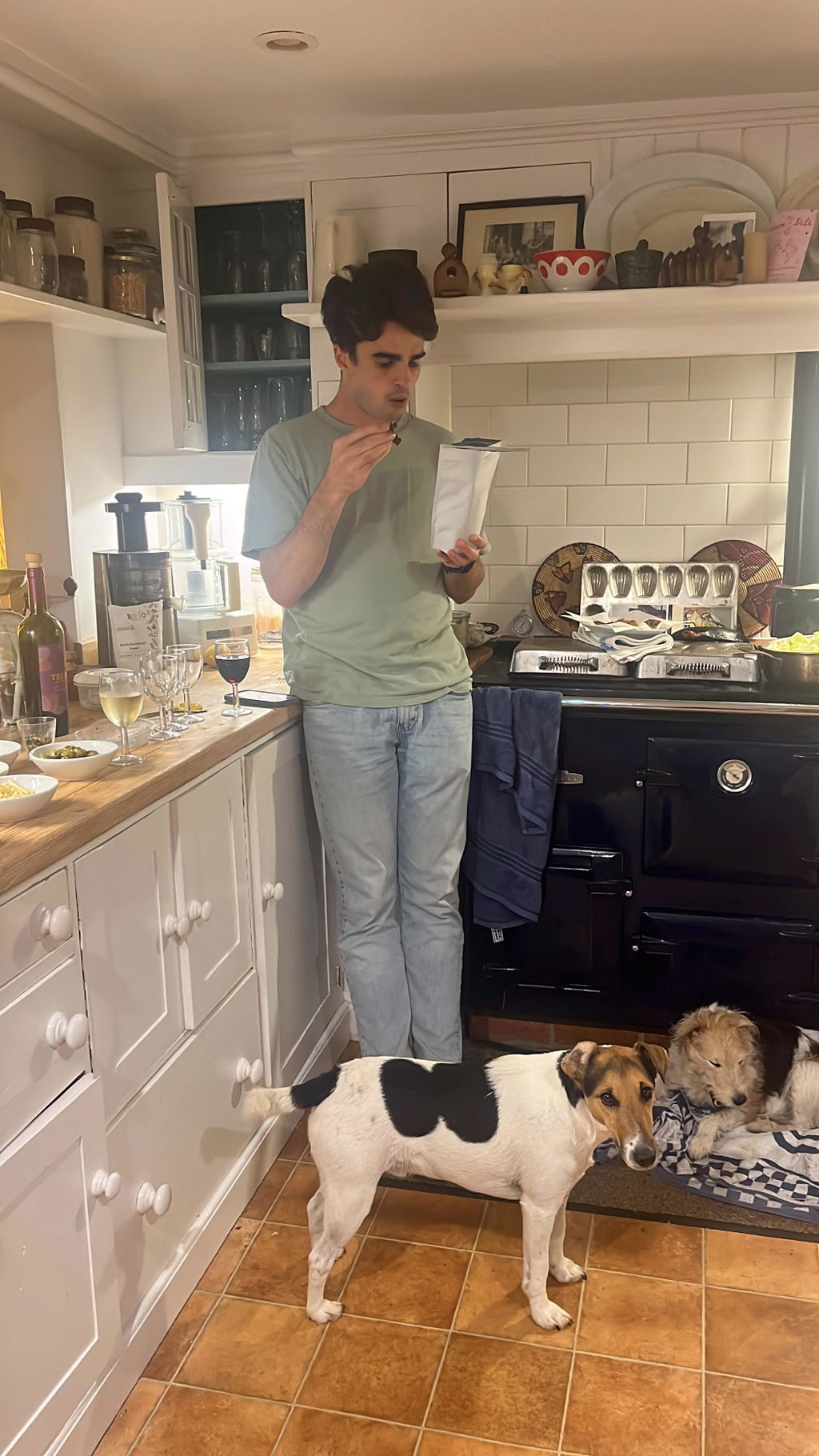
What you get here is value for money. It is tasty, beautifully seasoned biltong. Sliced thinly with a couple of knobby bits which is always a treat. Not tried the fatty in yet as I personally prefer it moist. This is standard biltong is not however dry. Is it moist no, is it the right balance yes. For the money I challenge anyone to find better. 250g bag lasta me a week as an evening treat. I was a first time customer pushing and write the review, my second order is already in. If you are a biltong fan I see no reason you won't be satisfied! Yes I did read the previous reviews before purchasing!
Delicious and good flavour biltong. Easy to order and arrived very quickly.
Don’t worry my son loves it, that’s him eating it, but I like authentic jerky which is dried beef with nothing added at all, not even salt. I like to taste the beef, not all the other crap!